IMPORTANT NOTE: You need an Entity Account to update your artist page. If you're an artist on Traxsource, please go HERE
Here are 7 easy steps to update your artist bio and press image on Traxsource.
1. Login to your Entity Account HERE
2. Under Main, Click on Artist
3. Click Update OR start typing your artist name and select it from the generated list. 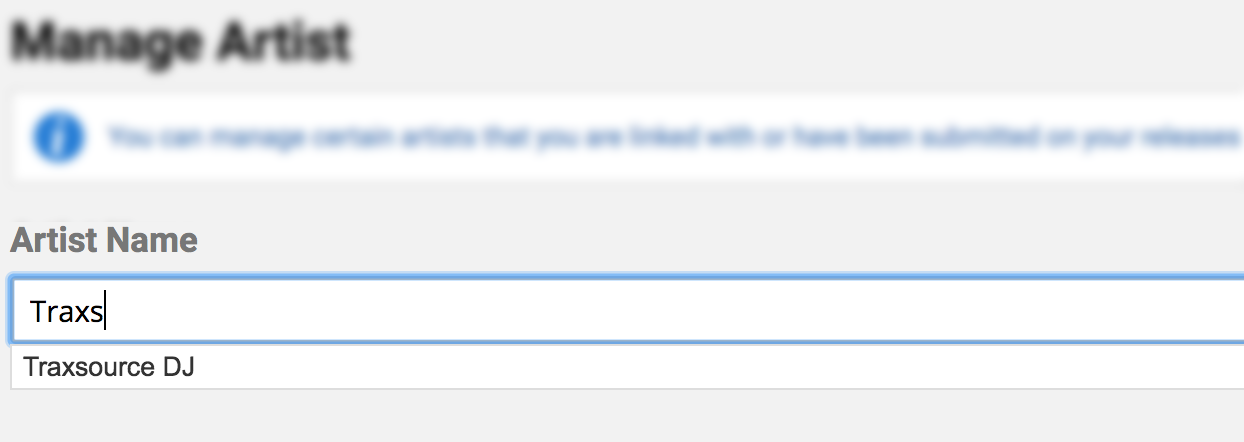
UPDATE ARTIST BIO
4. Click Update under Current Bio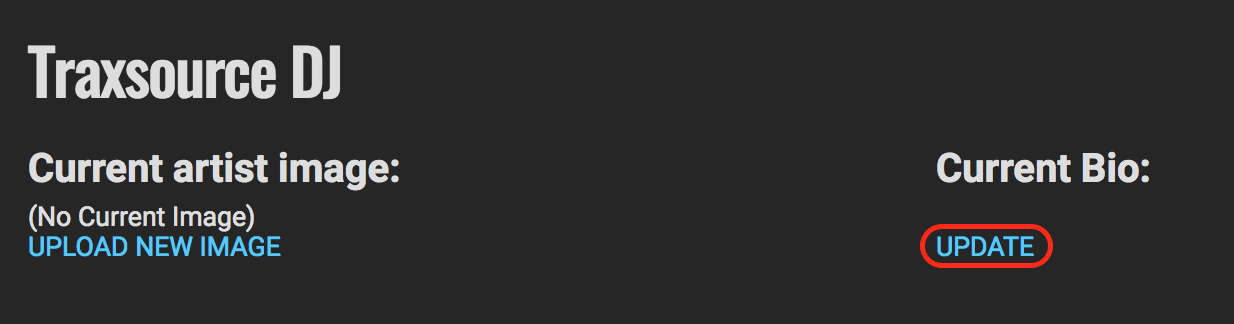
5. Input your text and click the Green Update Button.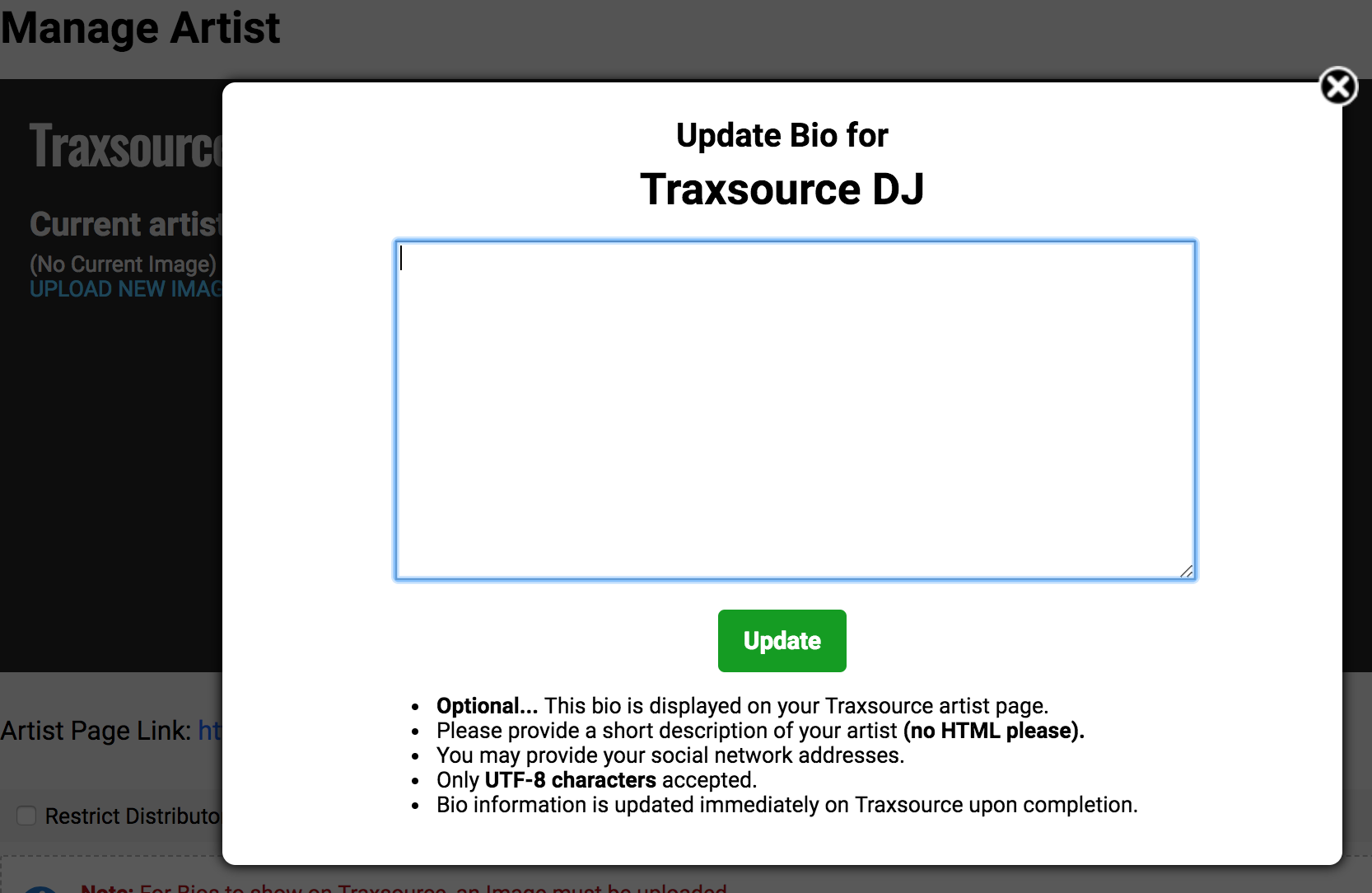
UPDATE ARTIST IMAGE
6. Click Upload New Image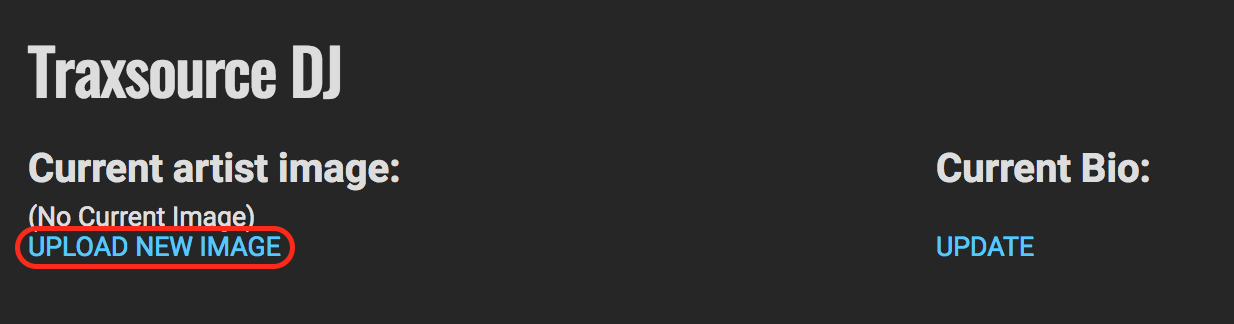
7. Drag & drop into the square grid or click Choose File to add an image from your computer.
NOTE: All images must follow these rules to be accepted.
• Image must be square with minimum resolution 600 X 600 pixels.
• Image files must be in JPG or PNG format.
• RGB color mode only (no CMYK please).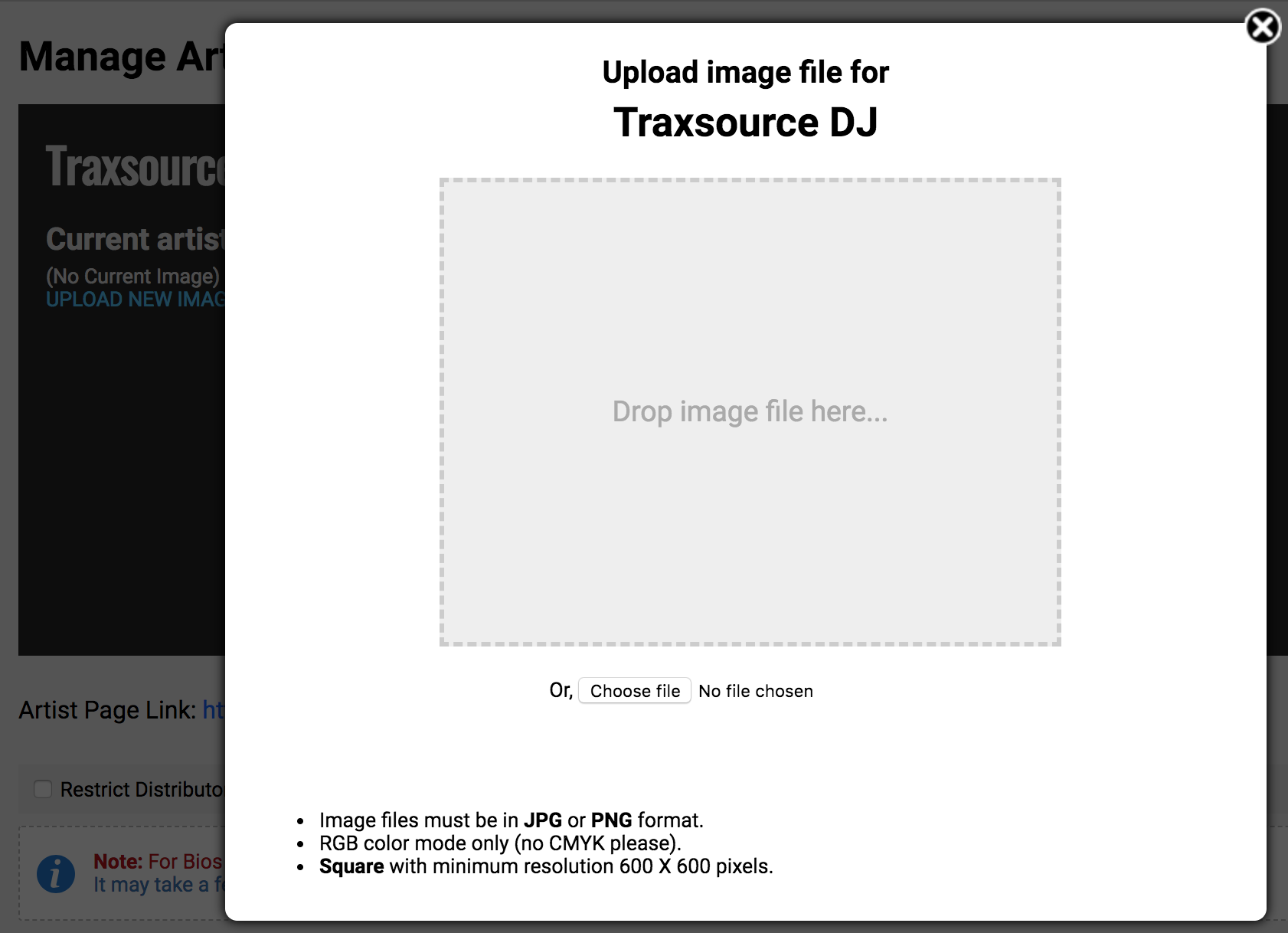
After the changes, it may take a few minutes before updating on traxsource.com
0 Comments